Everything Hitasura does.
A tracker, not a teacher. It records the immersion you already do and gives it a shape you can read.
Japanese · all time
279h 59m
Total immersion
418
Sessions
198
Active days
35 days
Longest streak
Where the time went
- Listening104h 12m · 37%
- Watching86h 40m · 31%
- Reading58h 5m · 21%
- Speaking25h 18m · 9%
- Writing5h 44m · 2%
Track
Getting a session in should take seconds, or you will stop doing it.
app.hitasura.com


app.hitasura.com
- Log a session
- Date, duration, what it was, and a note if you want one. Optional ratings for difficulty, comprehension and enjoyment.
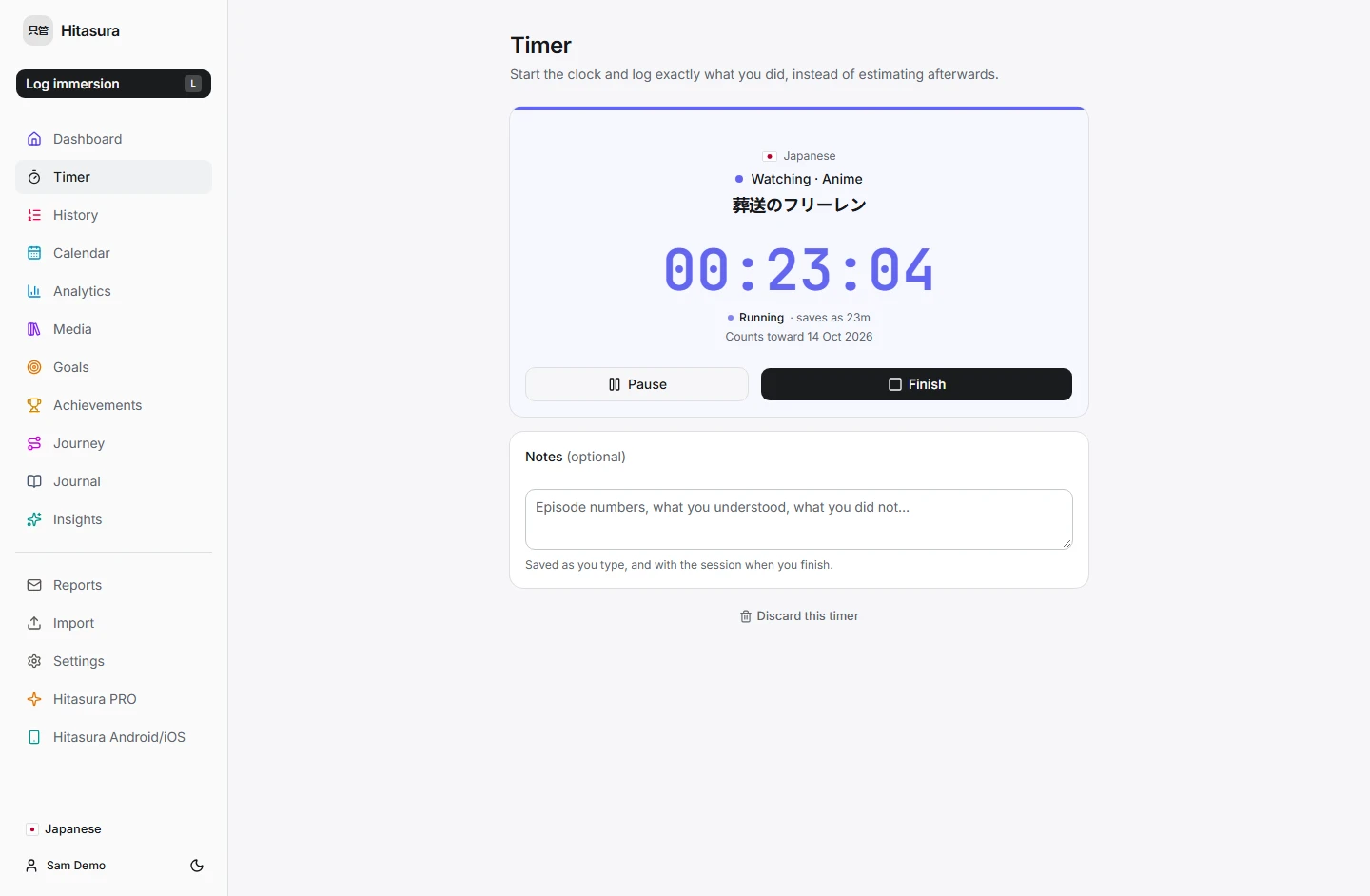
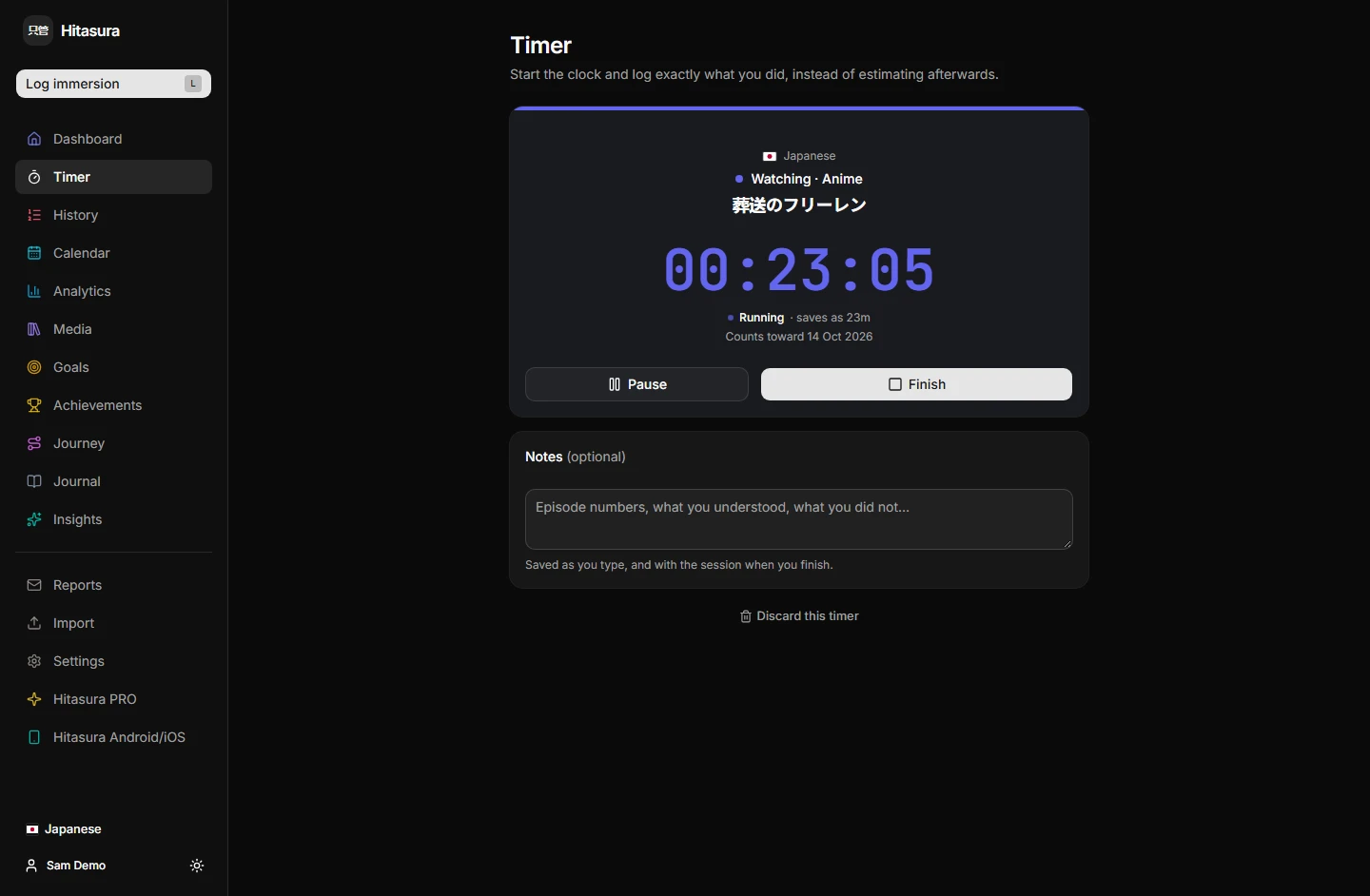
- Timer
- Start the clock and log exactly what you did instead of estimating afterwards. Survives closing the app; pauses and resumes.
- Quick-log shortcuts
- One tap for the thing you log constantly. The shortcut fixes the category, activity and title; you fill in the duration.
- Backfill
- Log what you did last week. Backfilled sessions are marked, so they never distort what a typical session looks like.
- Spreadsheet import
- Bring an existing history across from .xlsx. Nothing is written until you have reviewed it, and re-importing recognises what is already there rather than doubling it.
Organise
The part most trackers stop short of.
app.hitasura.com


app.hitasura.com


- Languages
- Each keeps its own categories, activities, titles, goals, journal and analytics. Switching changes scope and never moves data.
- Categories
- Watching, Listening, Reading, Speaking and Writing to begin with — then rename, reorder, add and retire until it matches your life.
- Activities
- The level beneath a category. Podcast, audiobook and radio are three different habits, and your history should say so.
- Titles
- The actual show, book or podcast. This is what turns "58 hours of reading" into something you can recognise.
- Archiving
- Retire a category or activity without deleting anything. Every session and every statistic stays intact.
Understand
Every figure is computed from the sessions you logged. Nothing is estimated.
app.hitasura.com

app.hitasura.com
app.hitasura.com
app.hitasura.com
app.hitasura.com
- Dashboard
- Today at a glance, with streaks and recent activity.
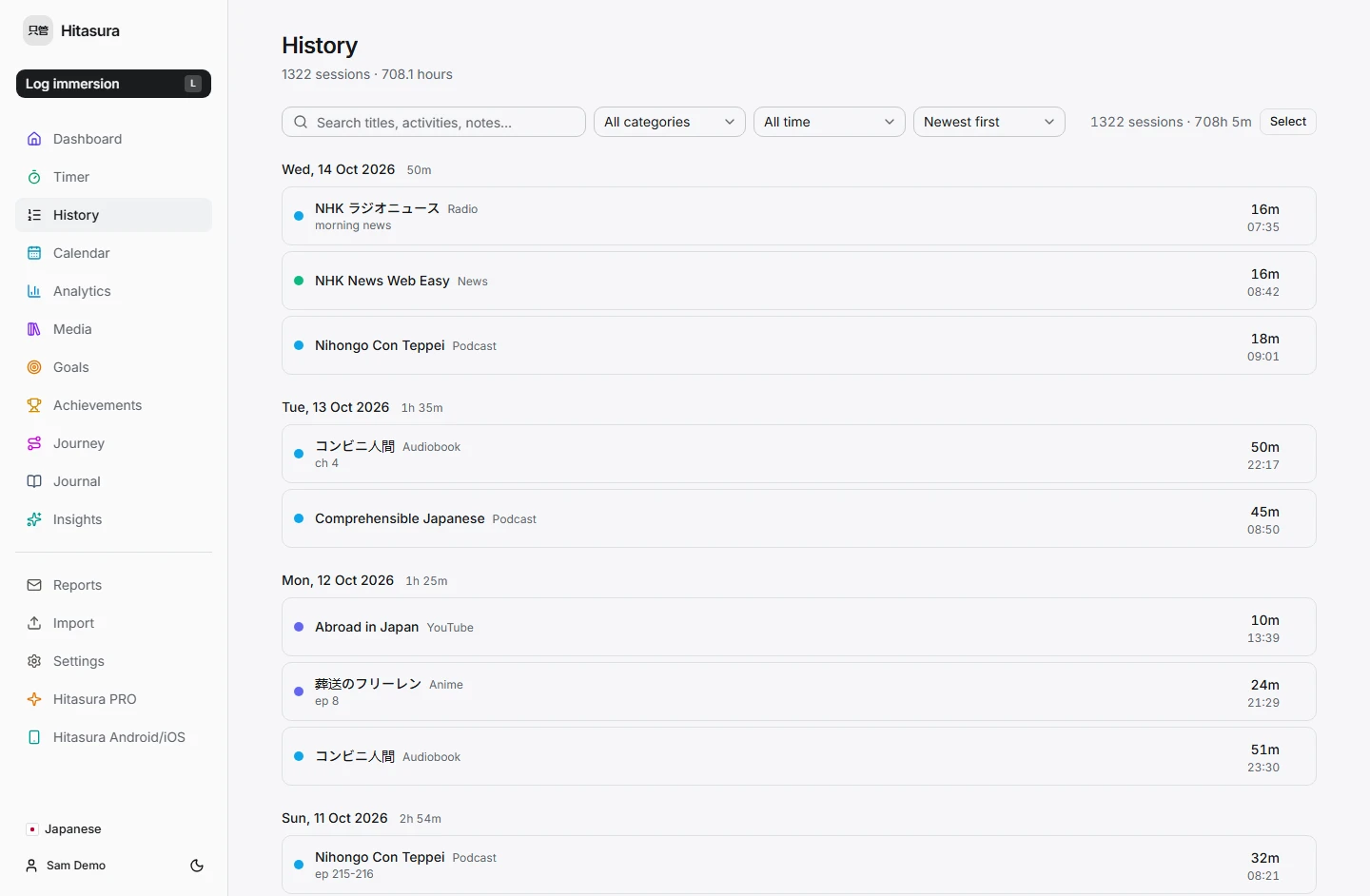
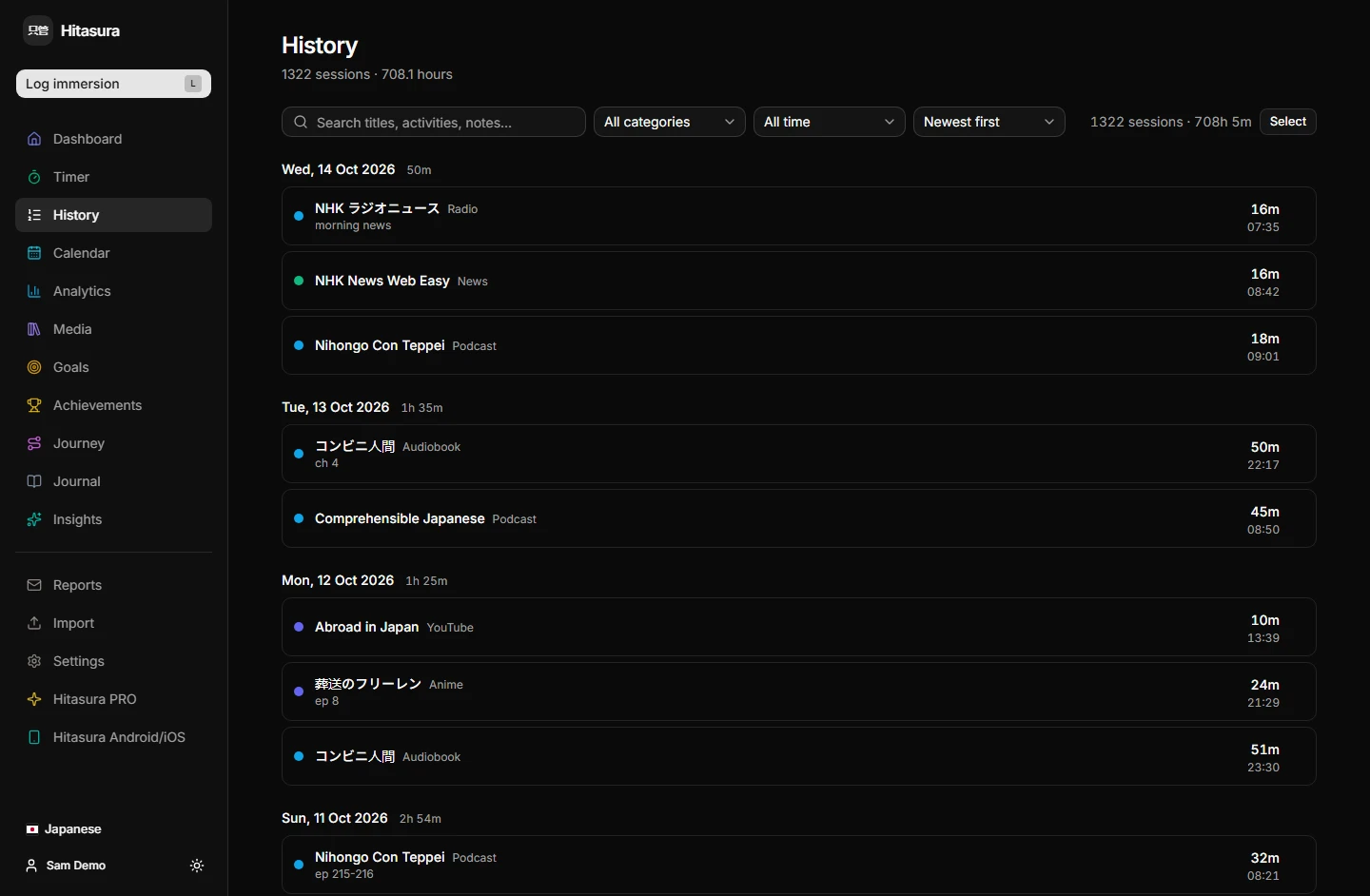
- History
- Every session, newest first. Filter, edit, bulk-select, and undo a deletion.
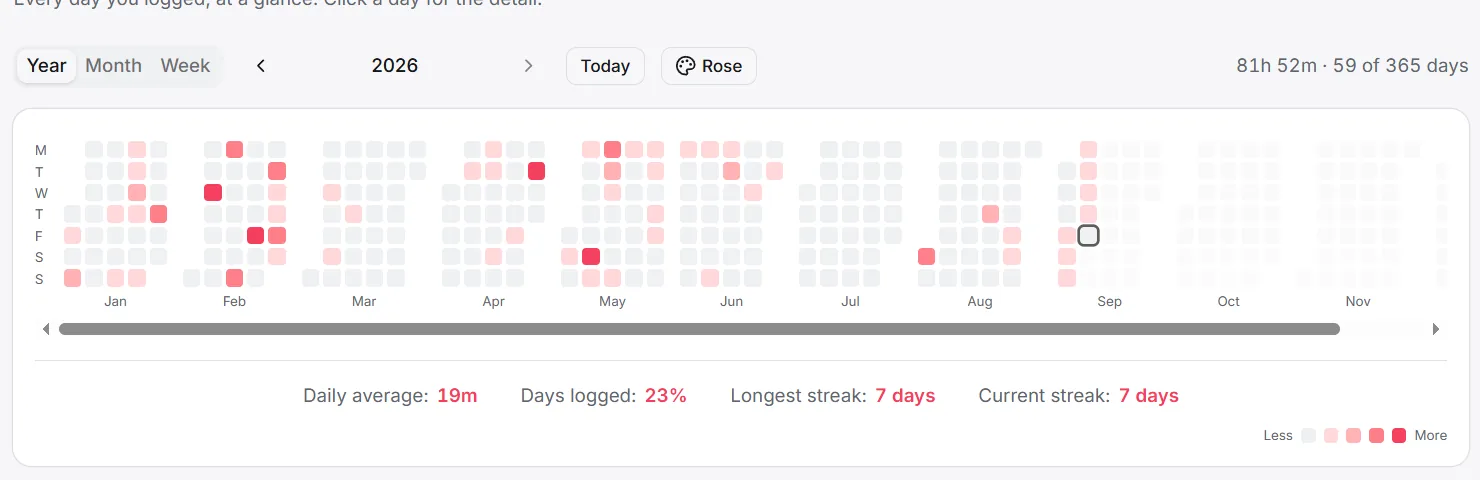
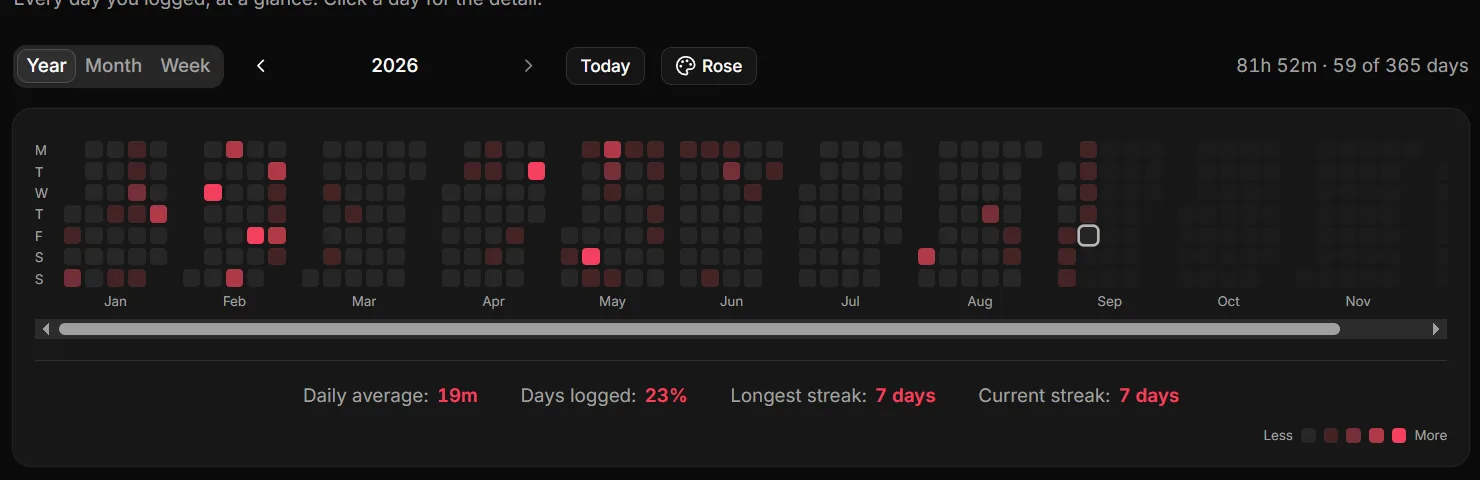
- Calendar
- A heatmap of every day you showed up. Click a day for the detail.
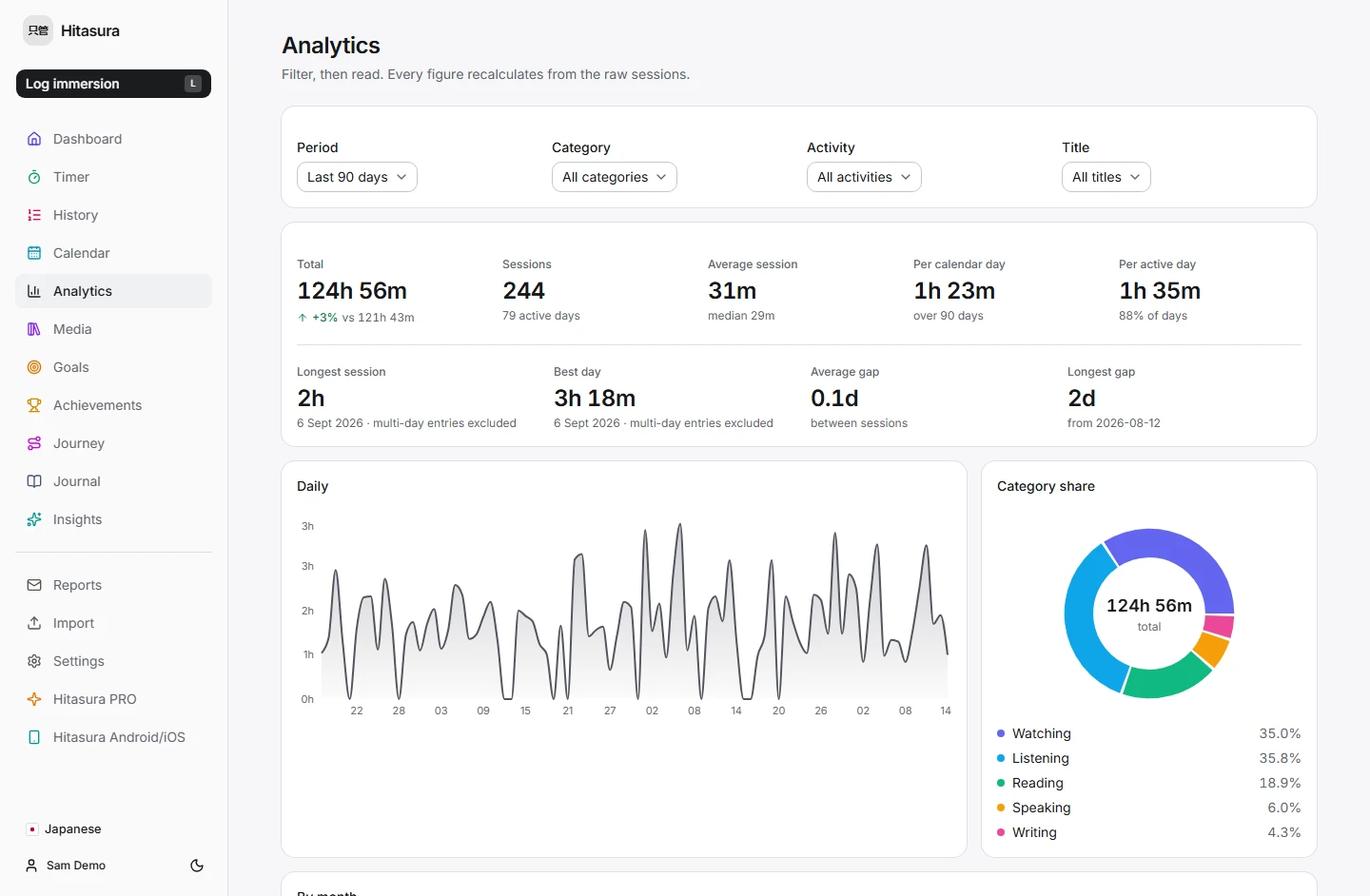
- Analytics
- Breakdowns by category, activity and title.
- Media
- Where your hours went, by title.
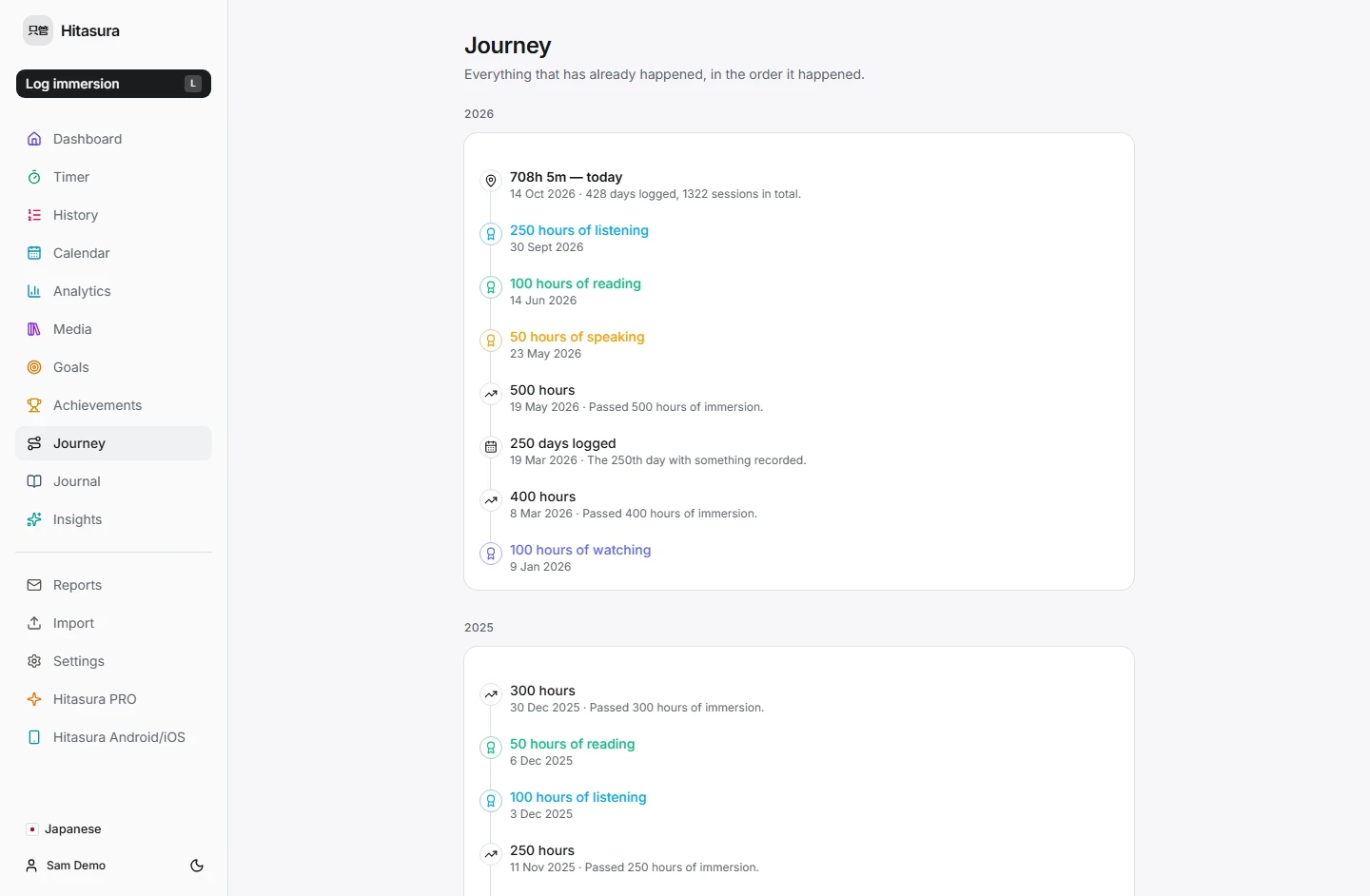
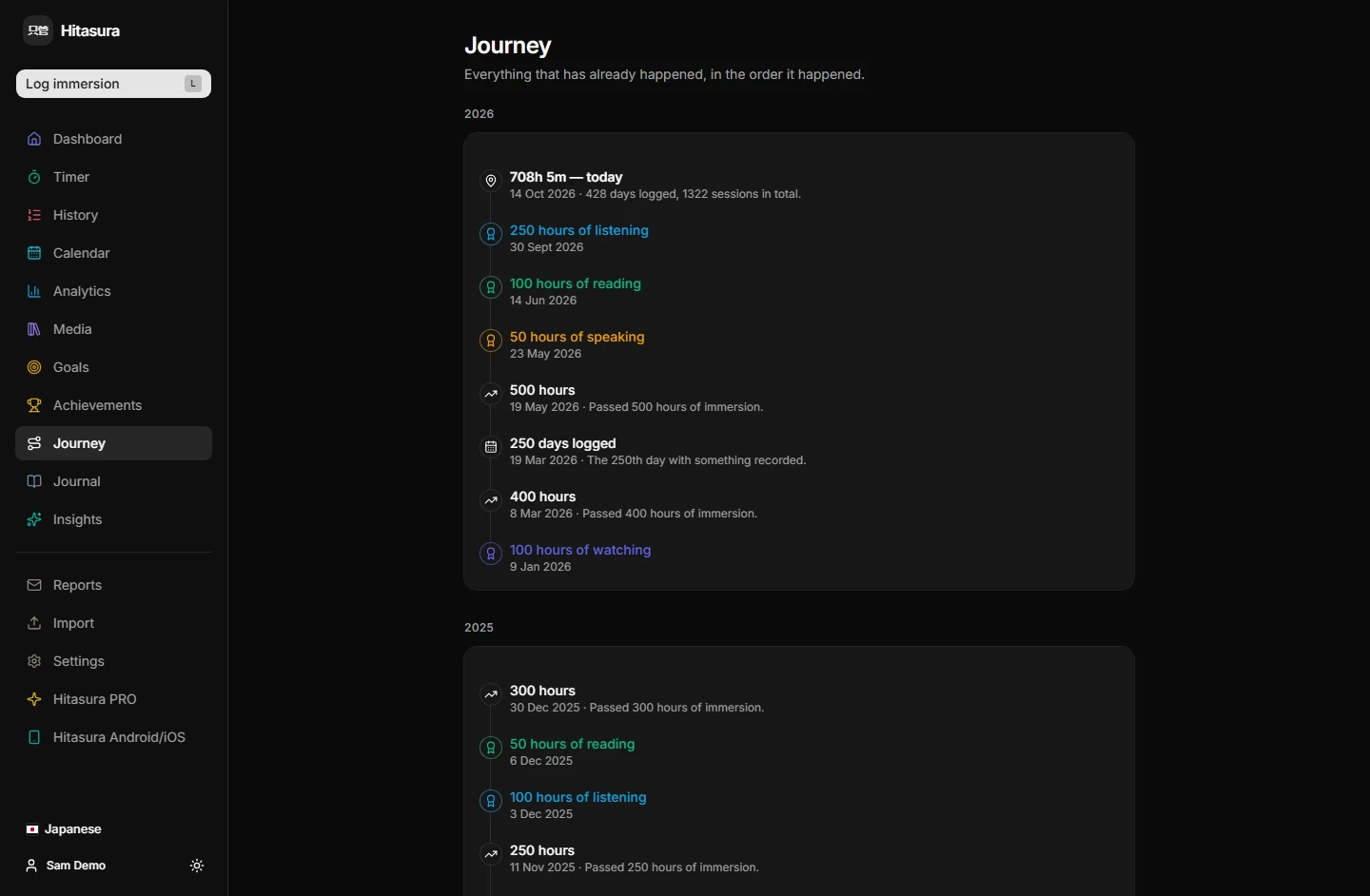
- Journey
- The whole thing as a timeline, in the order it happened.
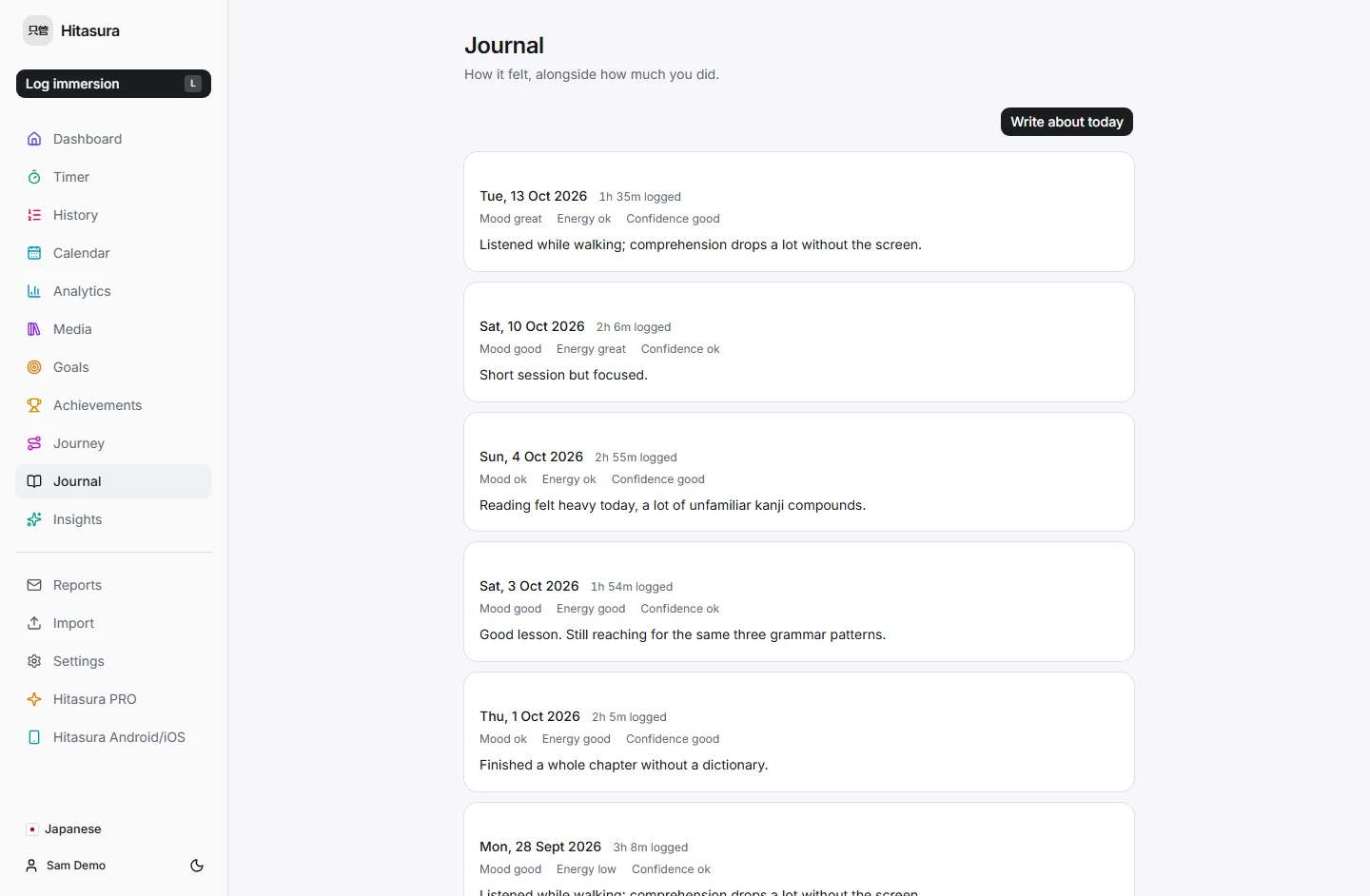
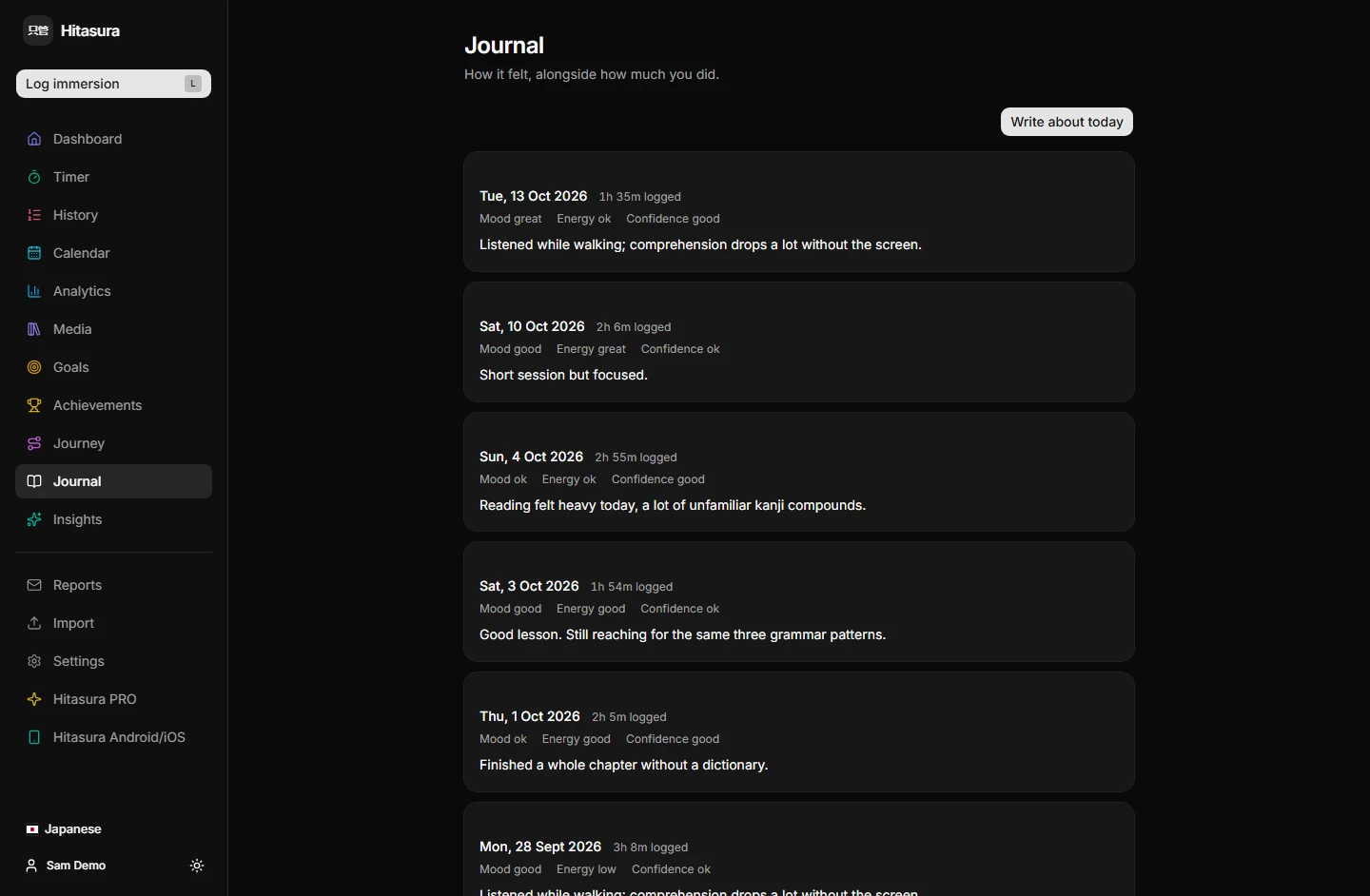
- Journal
- A short note per day, beside how much you actually did.
- Insights
- Observations drawn from your own log — what grew, what slipped, how consistent you have been.
Stay with it
Motivation without the noise.
app.hitasura.com
app.hitasura.com


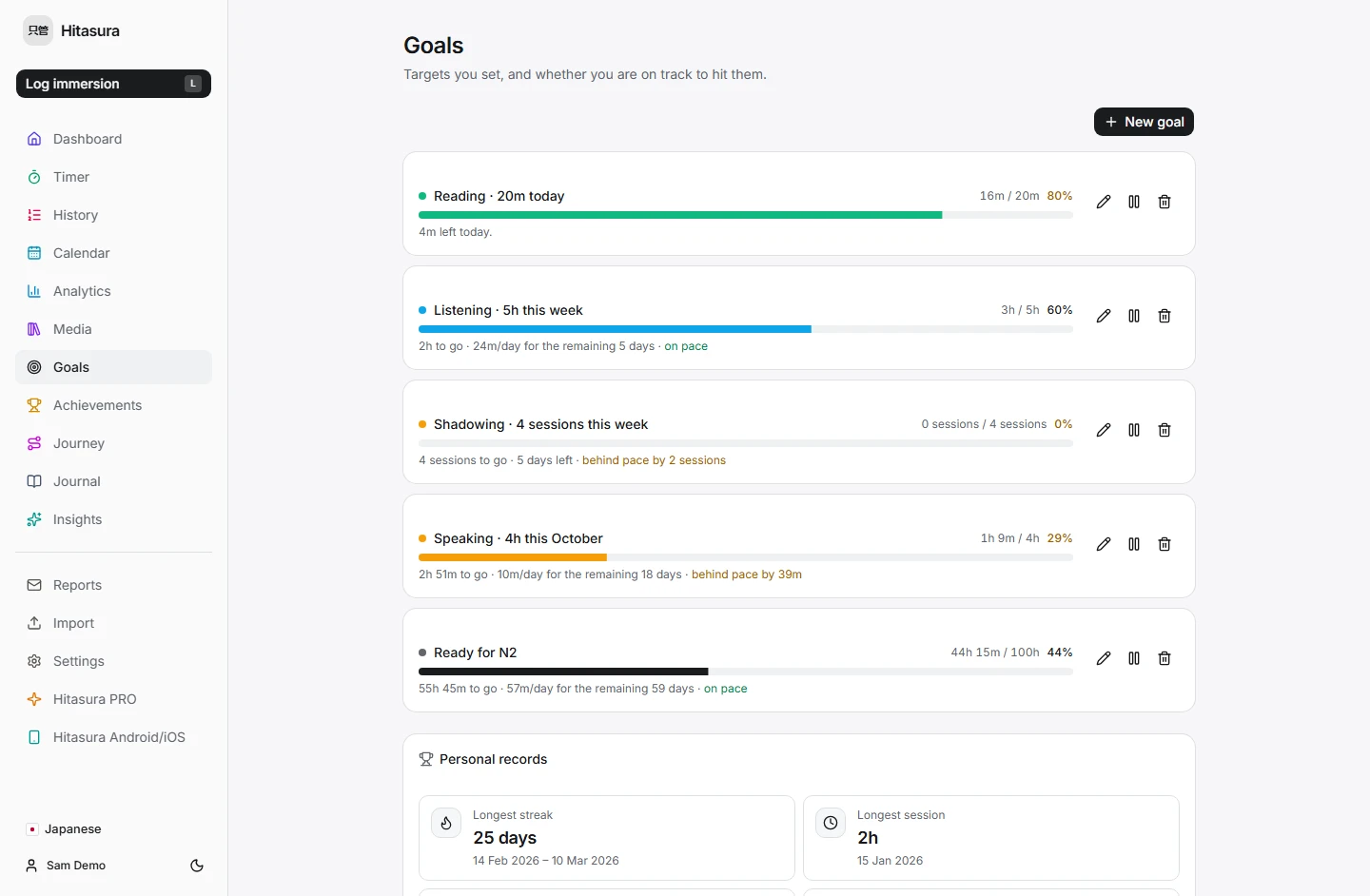
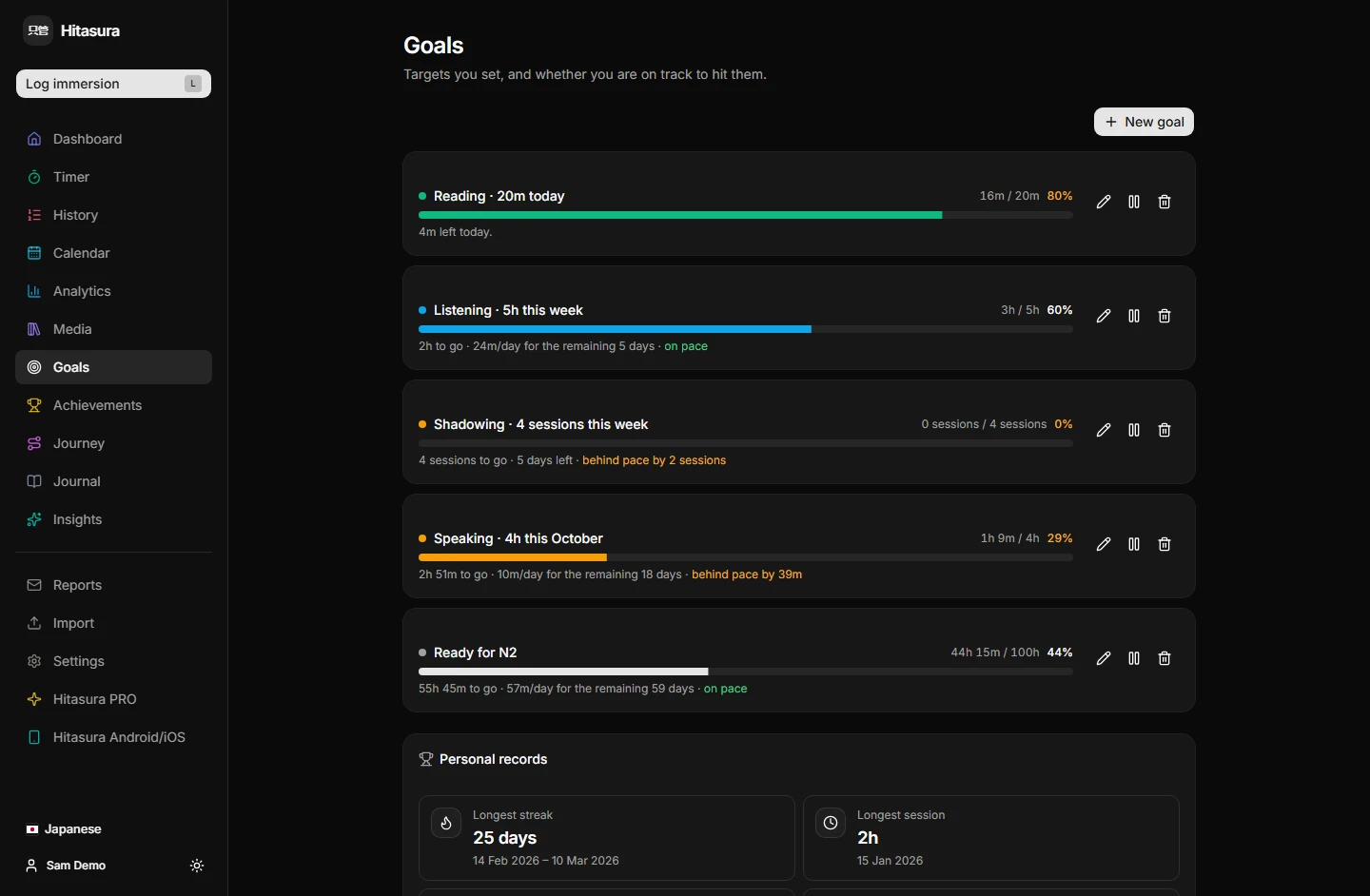
- Goals
- Daily, weekly or monthly targets, with your pace against them, and a note on the dashboard when you meet one. Three on Free; unlimited on PRO, and scoped to an activity or a single title.
- Goals by count
- Aim at sessions instead of minutes: watch a film twice this month, listen to a podcast five times this week. Each session counts once, however long it ran.
- Dates that matter
- Mark an exam, a trip or a deadline. It appears on the calendar, counts down on the dashboard, and can carry a one-off goal of its own.
- Reminders
- A notification on your phone, once a day at most, and only when there is something to say: a day you have not logged, or a date you marked getting close. Off until you switch it on.
- Streaks
- Current and longest, counted in your own timezone and your own day boundary.
- Achievements
- Earned from what you have actually logged, not from opening the app.
- Personal records
- Longest session, best day, week and month. Per-category records on PRO.
Go deeper
Hitasura PRO is for people who want to understand the record, not just keep it.
- Advanced analyticsPRO
- Time-of-day and weekday patterns, session length, active against passive, custom and long ranges, and the full breakdown by title.
- Multiple languagesPRO
- Every language you are learning, kept completely separate.
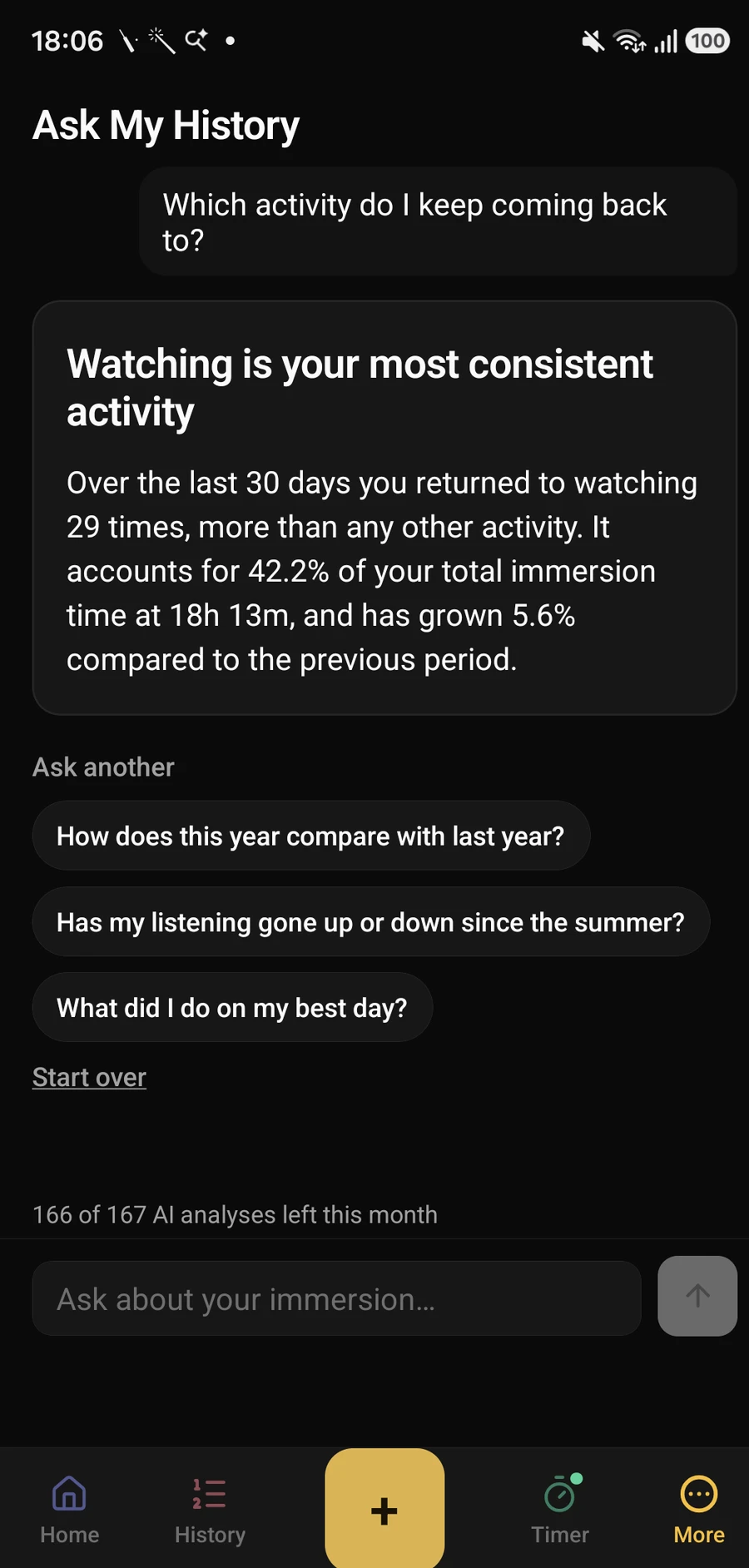
- Ask your historyPRO
- Ask a question in plain language, such as how much you read in March or which podcast you keep returning to, and get an answer drawn from your own log. There is a monthly allowance, shown in the app, and the figures are computed first; the model only phrases them.
- Written insightsPRO
- Your statistics, put into words. The figures are always computed first — the model phrases them and never invents one.
- Language ReportsPRO
- A weekly or monthly email about one language, in your timezone: totals, what changed, goals met, records set.
- Automatic backupsPRO
- Daily or weekly, kept privately, with history you can download or restore from.
Own it
Your history is yours, and getting it out is never the paid part.
app.hitasura.com
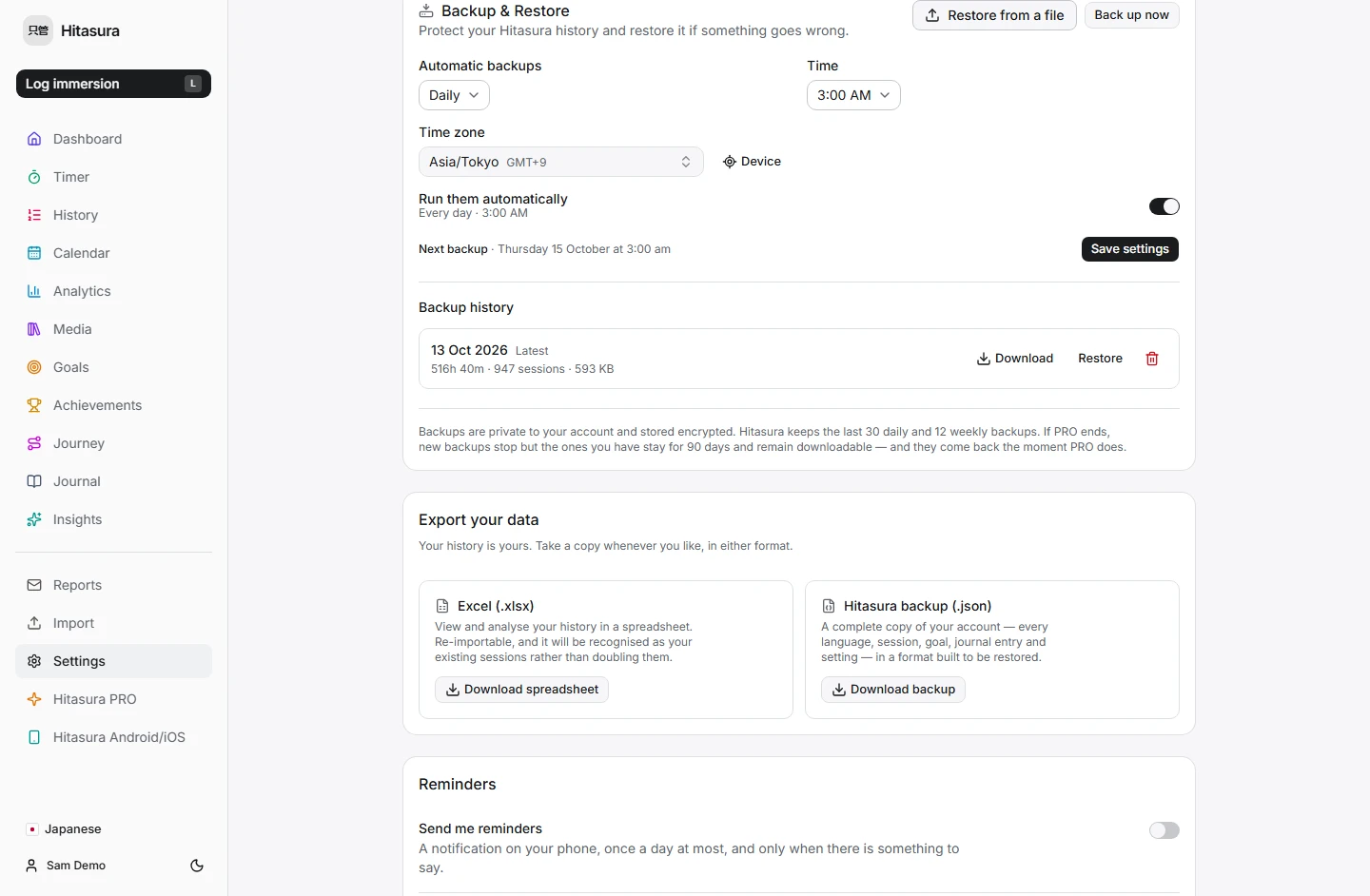
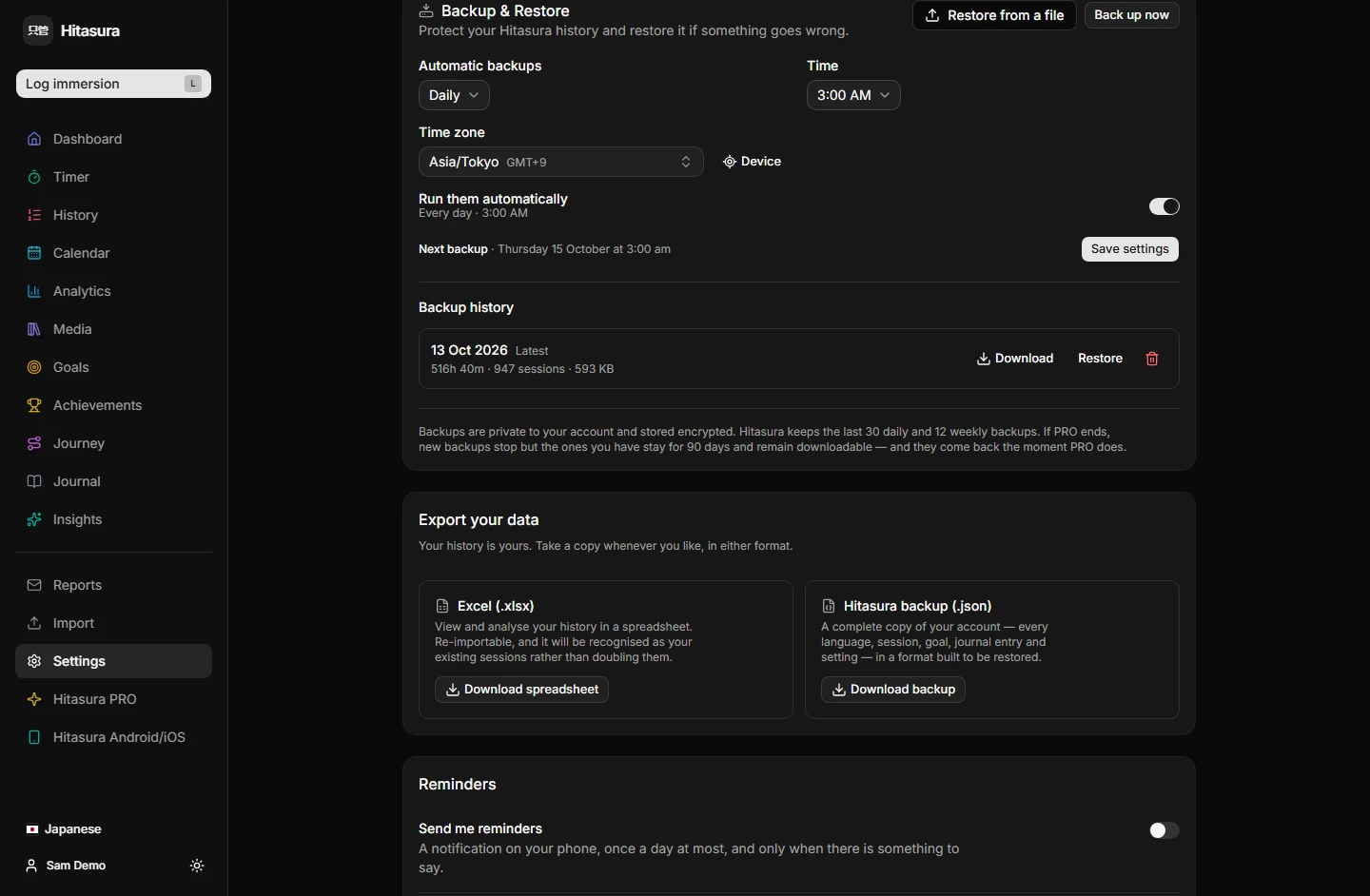
- Spreadsheet export
- An .xlsx of your sessions, readable by anything, and re-importable here.
- Full backup
- A complete, versioned JSON copy of your whole account — every language, session, goal, journal entry and setting.
- Restore
- Put a backup back. Restoring replaces rather than merges, so it cannot duplicate your history, and it happens in one transaction — if anything fails, nothing changes.
- Delete everything
- Close the account and it is gone, along with all of it.
The shape of it
Five levels, so a session is a thing that happened rather than a number in a row.
- JapaneseLanguage
- ListeningCategory
- PodcastActivity
- 4989 American LifeTitle
- 42 minutes · TuesdaySession
Most time on
- 4989 American LifePodcast · Listening109h 04m
- 薬屋のひとりごとLight novel · Reading41h 22m
- FrierenAnime · Watching28h 10m
- italki lessonsConversation · Speaking19h 30m
Every day you logged
198 active daysLessMore
Questions
- Is Hitasura only for Japanese?
- No. It works for any language, and you choose yours when you start. The name is Japanese; the product is not.
- Do I need the mobile app?
- No. The web app is the whole product and works in a phone browser. The iOS and Android apps are coming soon, and everything you log on the web will be waiting in them.
- Can I bring my existing spreadsheet?
- Yes. Import an .xlsx, review what will be added, and confirm. Re-importing recognises what is already there rather than doubling it.
- What does the AI see?
- Only computed statistics: totals, changes and breakdowns. Your raw journal entries and session notes are never sent, and if you never use the AI features nothing is sent at all.
- What does PRO cost?
- Pricing is announced at launch. Subscriptions are not on sale yet, and the free plan is complete without them.